Executive summary
Uber Clone is for mobility founders, fleet operators, airport transfer businesses, taxi aggregators, and city-specific transport startups. Teams choose this route because riders already understand instant booking, fare visibility, live tracking, ratings, and driver matching, while operators need stronger control over dispatch rules, driver quality, incentives, and local compliance. The point is not to copy a famous product. The point is to use a familiar market pattern as research, then build a product that is legally original, commercially sharp, and operationally useful for your own customers.
For App Clone Labs, a serious uber clone starts with the operating model. We define who uses it, what each role can do, what data moves between screens, where money is captured or paid out, what support needs to see, which events should be measured, and which admin controls will keep the business manageable after launch.
This page gives you the planning depth we use before a build: the executive case, feature breakdown, screen and mockup direction, architecture, role workflows, admin panel, monetization, cost drivers, MVP scope, full build roadmap, FAQs, and related solution paths.
Feature breakdown with screenshots and mockups
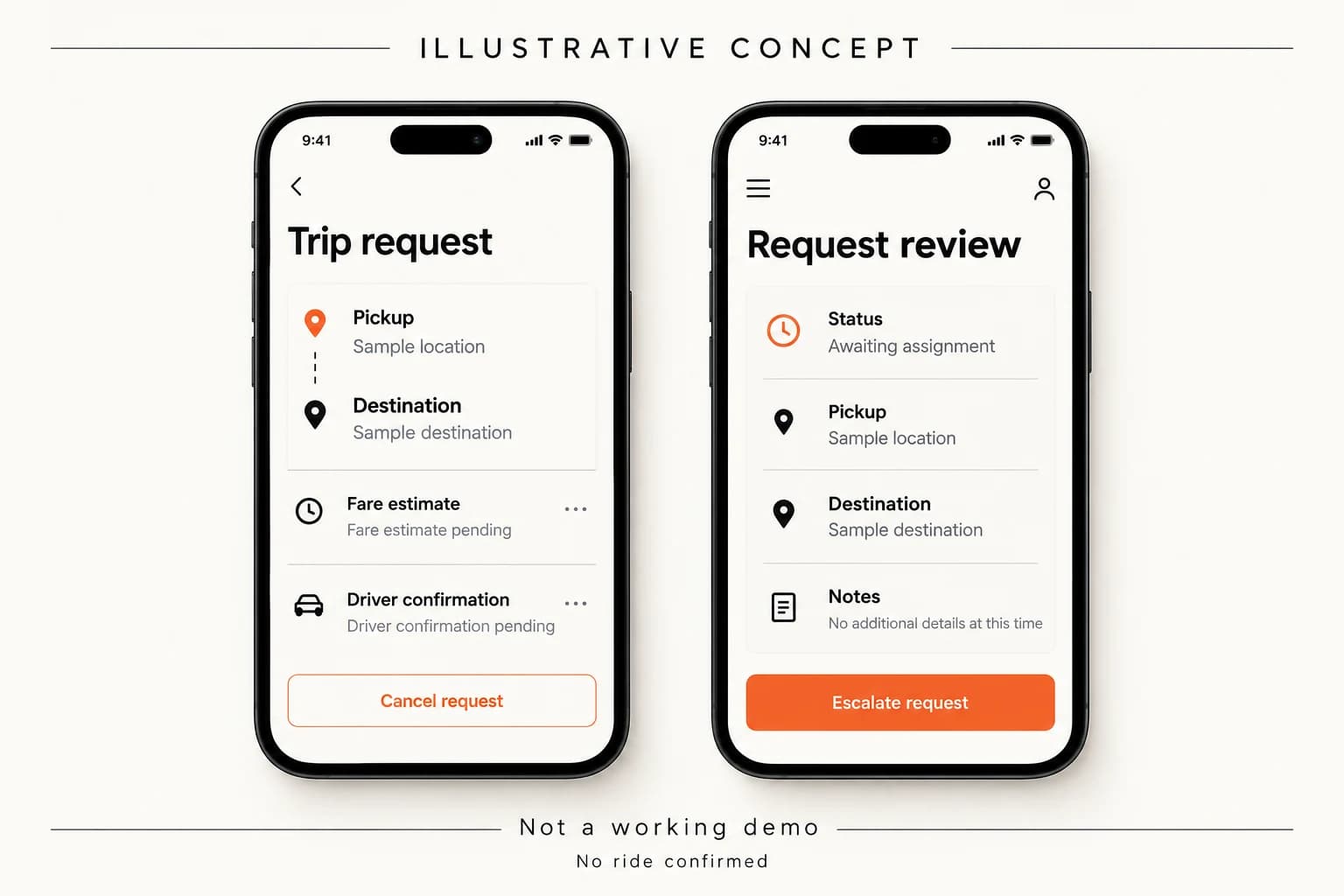
Use mobile mockups for rider booking and driver acceptance, a map-heavy dispatch screen, and an admin dashboard showing live trips, driver status, fare rules, and settlement metrics.
The feature breakdown for uber clone is organized around the core workflow: rider searches destination, chooses a ride type, sees fare, books, driver accepts, rider tracks ETA, trip starts through OTP or status control, payment is captured, both parties rate, and support/admin can intervene at every exception point. During discovery, these features become annotated wireframes, clickable mockups, acceptance criteria, empty states, error states, permission rules, event tracking, and QA cases.
Core features include Ride booking and fare estimation, Matching and driver assignment, Live tracking and ETA, Wallet, tips, and trip settlement, Ratings, safety, and support, Promo and retention tools. These are not decorative cards. Each feature affects the database, APIs, roles, notifications, admin views, support policies, analytics, and future roadmap. That is why we scope feature behavior before writing production code.
Architecture and tech stack diagram
The architecture diagram for uber clone should show six layers: experience layer, API layer, workflow layer, data layer, integration layer, and operations layer. The experience layer includes role-specific apps and portals. The API layer controls authentication, permissions, business rules, and third-party communication. The workflow layer handles booking, driver matching, trip state, maps, pricing, payments, cancellation, ratings, and live support. The data layer stores users, records, transactions, states, events, and audit history.
A practical stack for this solution can include React Native rider app, React Native driver app, Next.js admin/dispatcher console, Node.js trip APIs, PostgreSQL trip ledger, Redis dispatch queues, Google Maps or Mapbox, Stripe/Razorpay payments, Firebase/APNs notifications. We usually recommend a modular backend for MVPs instead of premature microservices. The system should still isolate identity, permissions, transactions, notifications, admin actions, media, analytics, and payments so scale work does not require a rewrite.
User roles and workflows
The important roles for this solution are Rider: Book and manage trips; Driver: Accept and complete rides; Dispatcher: Handle live operations; Admin: Control the mobility business. Each role needs its own permissions, navigation, state visibility, notification rules, and support context. A buyer, rider, seller, host, courier, creator, provider, or admin should never see the same product from a generic template lens.
The workflow we plan first is rider searches destination, chooses a ride type, sees fare, books, driver accepts, rider tracks ETA, trip starts through OTP or status control, payment is captured, both parties rate, and support/admin can intervene at every exception point. That workflow becomes the backbone for screens, APIs, permissions, notifications, admin actions, QA cases, and analytics. If the workflow is unclear, the interface can look polished while failing under real usage.