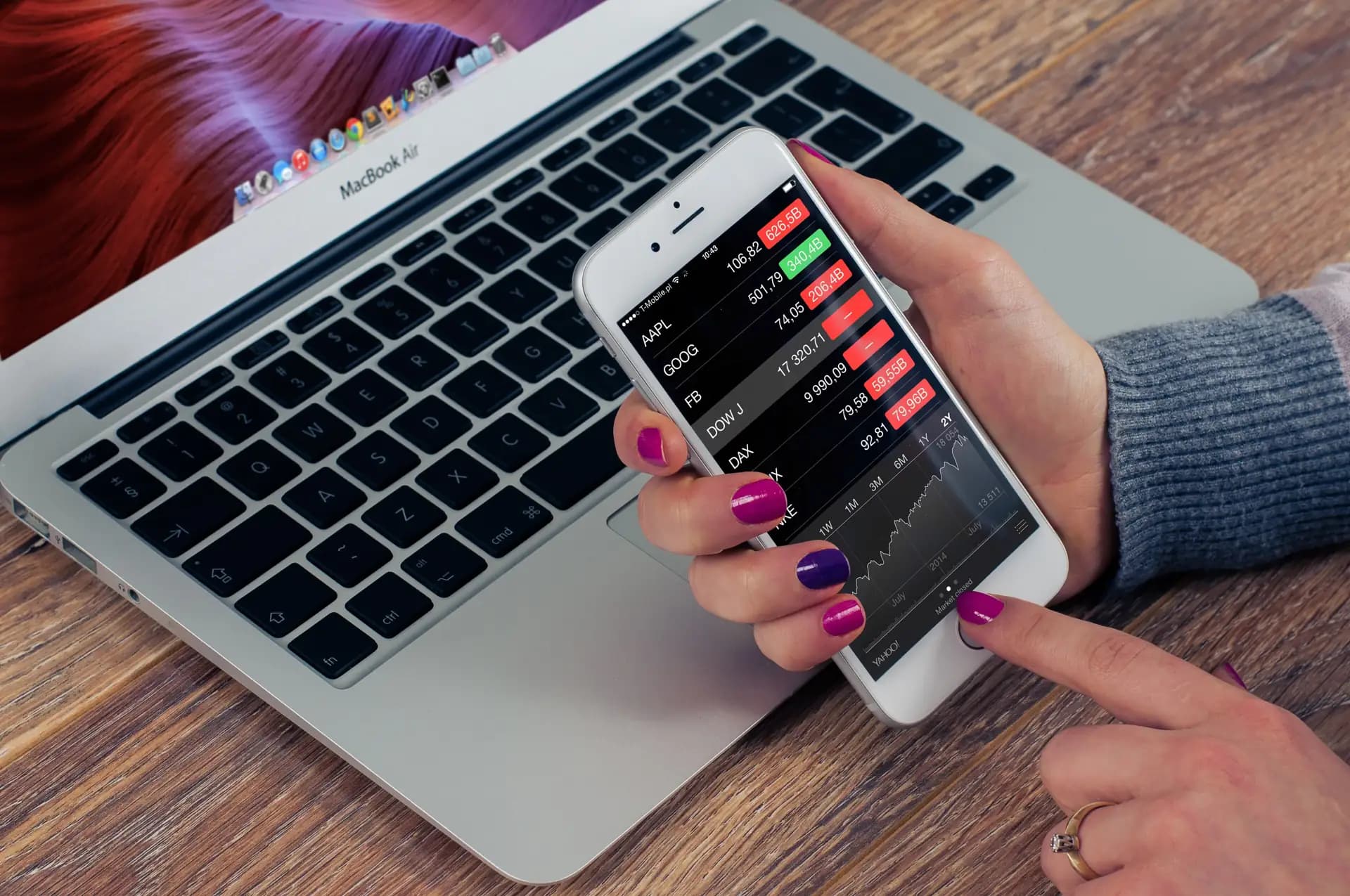
01V1
Learner app
Watchlist, options chain with Greeks, order entry, positions, profit and loss, trade scores and lessons, on web, iOS and Android.
Solutions · Paper trading and trading education
A paper trading app lets people practise trading with virtual money on real market prices before they risk their own. Brokers use one to onboard new customers, trading academies use one to set homework and track students, and educators sell it as a subscription. The hard part is making practice feel like the real thing: orders that fill the way a market would fill them, margin and charges that match what a broker would ask, and coaching that teaches without telling anyone what to trade. Below is the order of work we follow for brokers and academies, and the traps we see most often.
Try the live demo See product screens and demo accessVirtual capital on live or delayed prices
Student, instructor and admin apps
Every simulated trade scored and explained
V1
Watchlist, options chain with Greeks, order entry, positions, profit and loss, trade scores and lessons, on web, iOS and Android.
Fills against market prices with lot sizes, margin, charges and expiry handling.
Cohorts, challenges, student results and certificates.
Users, plans, payments, market data settings and simulation rules.
Operating loop
They choose a plan, receive virtual capital and see a watchlist and options chain. No bank account, KYC or demat account is needed, because no real money moves.
Orders for options and futures are filled against current prices with realistic lot sizes, margin, charges and slippage. Positions, profit and loss and expiry behave as they would at a broker.
Each trade gets a score for entry, position size and risk, with an explanation of what moved the price, such as time decay or a change in volatility. Lessons and challenges build on what the learner actually did.
Instructors see each student’s results, leaderboards and certificates mark progress, and a broker running the app can invite confident learners to open a real account.
Roles
Often new to options and nervous about losing money. Needs practice that feels real, plain explanations of why a trade made or lost money, and no pressure to trade for real before they are ready.
Runs a course or cohort. Sets challenges, reviews students’ trades, and wants to see who is struggling before the next live session.
Owns the brand and the plans. Decides which markets and instruments are available, how much virtual capital each plan gets and how learners move from practice to a real account.
Manages users, plans, payments, market data, content and the rules that decide how simulated orders fill.
Hard parts
Real-time exchange prices cannot simply be scraped and shown. Exchanges license them through authorised data vendors, and redistributing live prices costs considerably more than showing delayed ones. Decide which plans get live data and budget for the licence before you design the pricing.
If every order fills instantly at the last traded price, learners get a false sense of how options behave. Fill against the bid and ask, apply slippage on illiquid strikes, enforce current lot sizes and margin, and deduct the charges a broker would.
Explaining time decay or volatility is education. Telling a user which strike to buy today is investment advice, which in India needs SEBI registration. Keep the coach to explaining concepts and reviewing the learner’s own simulated trades.
Weekly expiries, holidays, lot-size revisions and sudden volatility all change how positions behave. The simulator needs the exchange calendar and contract specifications kept up to date, or results drift away from reality.
A learner who doubles virtual capital in a week may decide trading is easy. Show results next to the risk taken, and remind users that SEBI’s own studies found most individual traders in equity derivatives lose money.
Operator controls
Free trial, paid plans and cohort plans, with virtual capital, data delay and coach limits per plan.
Instruments, lot sizes, margin, charges, slippage and how each order type fills.
Lessons, challenges, instructors, cohorts and certificates.
Coach answers, lessons and marketing reviewed so nothing promises returns or recommends specific trades.
Revenue
Monthly or yearly plans that unlock live data, more virtual capital, deeper analytics and more coach questions.
Paid programmes with instructors, where the simulator is the homework.
Where rules allow, a disclosed fee from a broker when a learner opens a real account.
Later
A coach that explains concepts and reviews the learner’s own trades is valuable, but needs careful limits and review before launch.
Multi-leg strategies and testing on historical data are popular with advanced learners once the basics work.
Linking practice accounts to a broker needs that broker’s agreement and their own onboarding.
Next decision
See how practice trading sits next to banking, wallets and other finance products.
Open registerIf customers will trade with real money, start from the brokerage model, with its licences and order routing.
Open registerIf the main product is courses and cohorts rather than practice trading, start from an e-learning platform.
Open registerFor data licences, broker links or a custom simulator, our fintech team scopes and builds the work.
Open registerLive demo
Open each app or panel in a new tab and sign in with the demo login shown. The demos run on shared sample data, carry our demo product names, and show the ready-made product before any customization.
Learner and Instructor App
Use this original trading-operations concept to scope learner, instructor and admin workflows. It shows no real prices, orders or results, and nothing in it is investment advice.
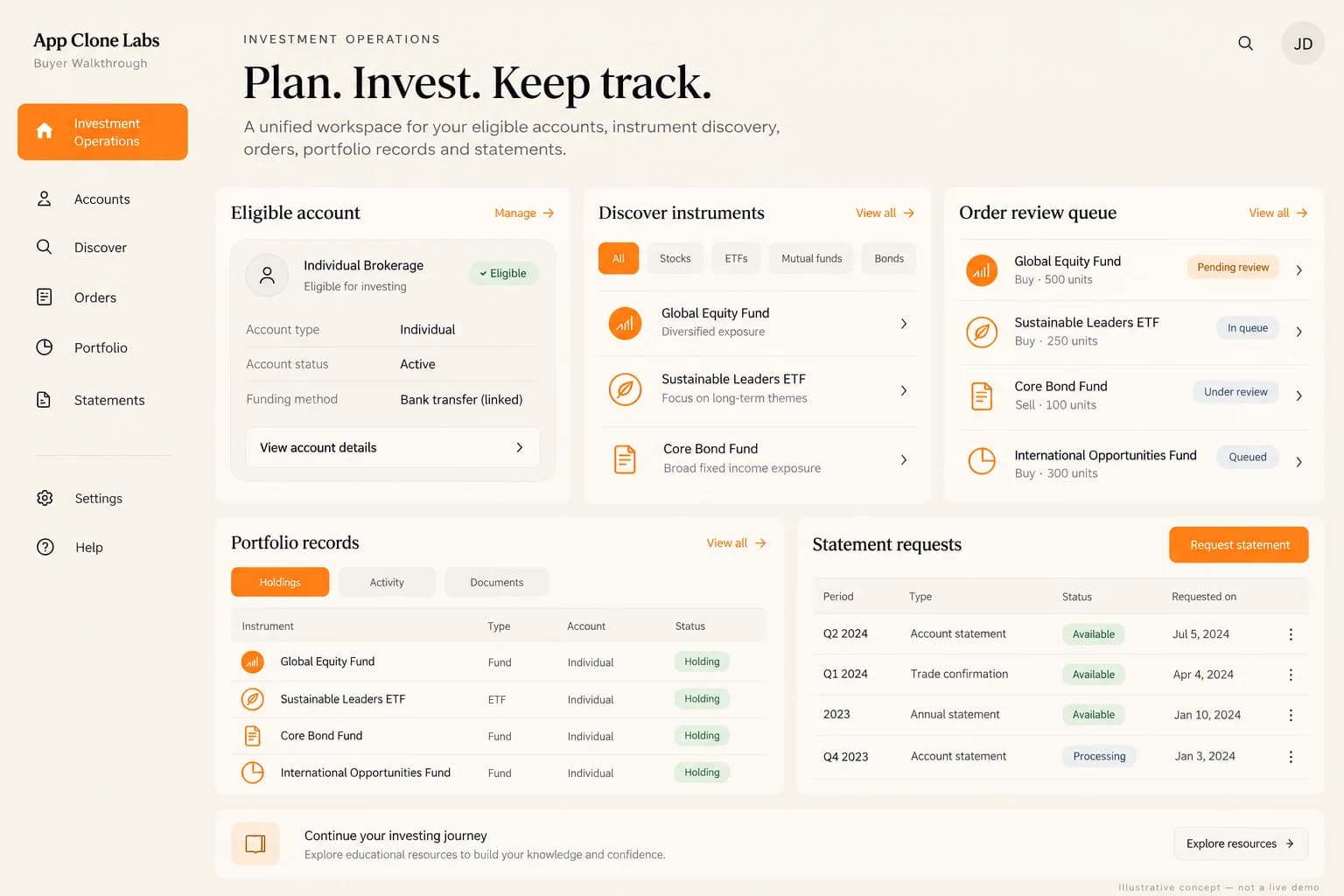
Original trading-operations concept. Accounts, instruments and figures are illustrative and do not establish live prices, real orders, returns or regulatory authorisation.
What to check in the walkthrough
Options look simple on a screen and behave in ways that surprise new traders: a call can lose value while the market rises, and a position can lose half its value in an afternoon on expiry day. Practising with virtual money lets people meet those surprises without paying for them.
For a broker, that practice produces customers who understand what they are trading and stay longer. For an academy, it turns lessons into something students do rather than watch.
Our base product already runs the learner app, instructor panel, admin console and simulation engine, and you can open the demo to test it. We rebrand it for your academy or brokerage, and the source code is yours, unencrypted.
Market data licences, broker links and coaching features depend on your market and your plans. We scope them with you, quote them and build them on the same codebase.
The line between education and advice matters more in trading than almost anywhere else. Build the product to explain and review, never to recommend, and have the coach’s answers and the marketing checked before launch.
FAQ
An app where people trade with virtual money on real market prices, to learn and test strategies without risking their own funds. Orders, positions and profit and loss work as they would at a broker, but nothing is bought or sold on an exchange.
Simulated trading with virtual money does not route orders to an exchange. But recommending specific trades is investment advice that needs SEBI registration, and SEBI also restricts how regulated firms work with unregistered educators. Take legal advice before launch, especially for coaching features.
Yes, through a licensed market data vendor. Live data costs more than delayed data, so many apps offer delayed prices on free plans and live prices on paid ones.
Brokers onboarding new customers, trading academies running courses, educators selling subscriptions and colleges teaching finance.
Yes. The apps carry your name and store listings, run on hosting you control, and come with source code your own developers can change.
Primary sources
Dated official documentation, standards, and research that support the factual claims on this page.
SEBI regulations and circulars, including those on investment advisers, research analysts and association with unregistered persons.
SEBI’s investor education material on derivatives risk.
Rules for apps that provide financial trading or investing features.
How to read this page
Scope, cost and timeline figures are planning guidance until confirmed in a written proposal. Diagrams and screens are illustrations, not client deliverables, and source-code rights and handover follow the signed agreement. See the delivery process and the full disclaimer.
Next decision
Define outcomes, constraints, evidence, rights and handover before delivery begins.
Commercial rights, repositories, environments, documentation, acceptance and handover remain contract-defined.
