
01V1
Patient app and portal
Registration, appointments, prescriptions, results and bill payment, on web and Android.
Solutions · Hospital and clinic operations
A hospital management system runs the day-to-day work of a hospital or clinic: booking patients in, keeping their records, recording what doctors and nurses do, dispensing medicine and sending the bill. When it works, staff spend less time on paperwork and patients wait less. When it does not, it slows down every ward. Our version covers the patient portal and app, the doctor, nurse and pharmacist workspaces, and the admin and billing side, for one clinic or a group of hospitals. The sections below walk through how a patient visit flows through the system, the problems hospitals run into, and a sensible first release.
Try the live demo See product screens and demo accessPatient, doctor, nurse and pharmacist roles
One system for several hospitals
Patient app for bookings and bills
V1
Registration, appointments, prescriptions, results and bill payment, on web and Android.
Doctor, nurse, pharmacist and lab screens for consultations, vitals, prescriptions and results.
Registration, walk-ins, admissions, billing and receipts.
Hospitals, departments, staff, schedules, beds, pharmacy stock and reports.
Operating loop
Online, in the app or at reception, the patient picks a department, doctor and time, or registers as a walk-in. Their details and history are pulled up from the record.
The doctor reviews the history, records the consultation, orders tests and writes a prescription in the same workspace.
Nurses record vital signs and admissions, the lab adds results, and the pharmacy dispenses what was prescribed and updates stock.
Charges for the visit, tests, medicine and any bed days are collected into one bill, paid at the desk, online or through an insurer.
Roles
Wants to book easily, see their prescriptions and results, pay bills and avoid repeating their history at every visit.
Needs the patient’s history on one screen and fast ways to note, order and prescribe, without clicking through forms during a consultation.
Record vitals, admissions and medication given, and dispense prescriptions against stock.
Manages departments, staff, schedules, beds, prices, insurers and reports, for one site or several.
Hard parts
Patient records are among the most sensitive data there is. Encrypt them, give each role access only to what it needs, log who opened which record, and meet the health data rules that apply to you, for example HIPAA for US providers, or the DPDP Act and ABDM standards for Indian hospitals.
Doctors abandon systems that slow them down. Watch real consultations before designing the screens, and keep the common actions to a few taps.
Prescribing and dispensing must check doses, allergies and interactions, and record exactly what was given and when. Mistakes here harm patients.
Lab machines, imaging systems and insurers each have their own formats. Plan which connections matter first, and use health data standards such as HL7 FHIR where partners support them.
Existing records, patient numbers and price lists have to be moved in without losing history. Plan the migration and run both systems side by side for a short period.
Operator controls
Departments, doctors, shifts, consultation slots and leave.
Wards, beds, admissions, transfers and discharges.
Medicines, batches, expiry dates, suppliers and reorder levels.
Price lists, packages, insurers, claims and payment methods.
Revenue
Sold to hospitals and clinics as a one-time licence or a monthly fee per site or per user.
Video consultations booked and paid through the patient app.
Medicine and test orders placed by patients through the app.
Later
Electronic claims with the insurers and third-party administrators you work with.
Results flowing straight from lab machines and imaging systems.
Links to national health ID and record exchanges where they exist, such as ABDM in India.
Next decision
See how hospital software compares with doctor booking, telehealth and pharmacy delivery apps.
Open registerIf you only need patients to find and book doctors, a doctor appointment app is a simpler start.
Open registerFor a directory of many clinics and doctors with reviews and online consultations, start from the Practo-style model.
Open registerOur healthcare app development service covers clinical workflows, integrations and data protection.
Open registerLive demo
Open each app or panel in a new tab and sign in with the demo login shown. The demos run on shared sample data, carry our demo product names, and show the ready-made product before any customization.
Hospital Web System
Patient App
Use this original appointment-review concept to scope reception, doctor and billing workflows. It shows no real patients, clinicians, records or hospital data.
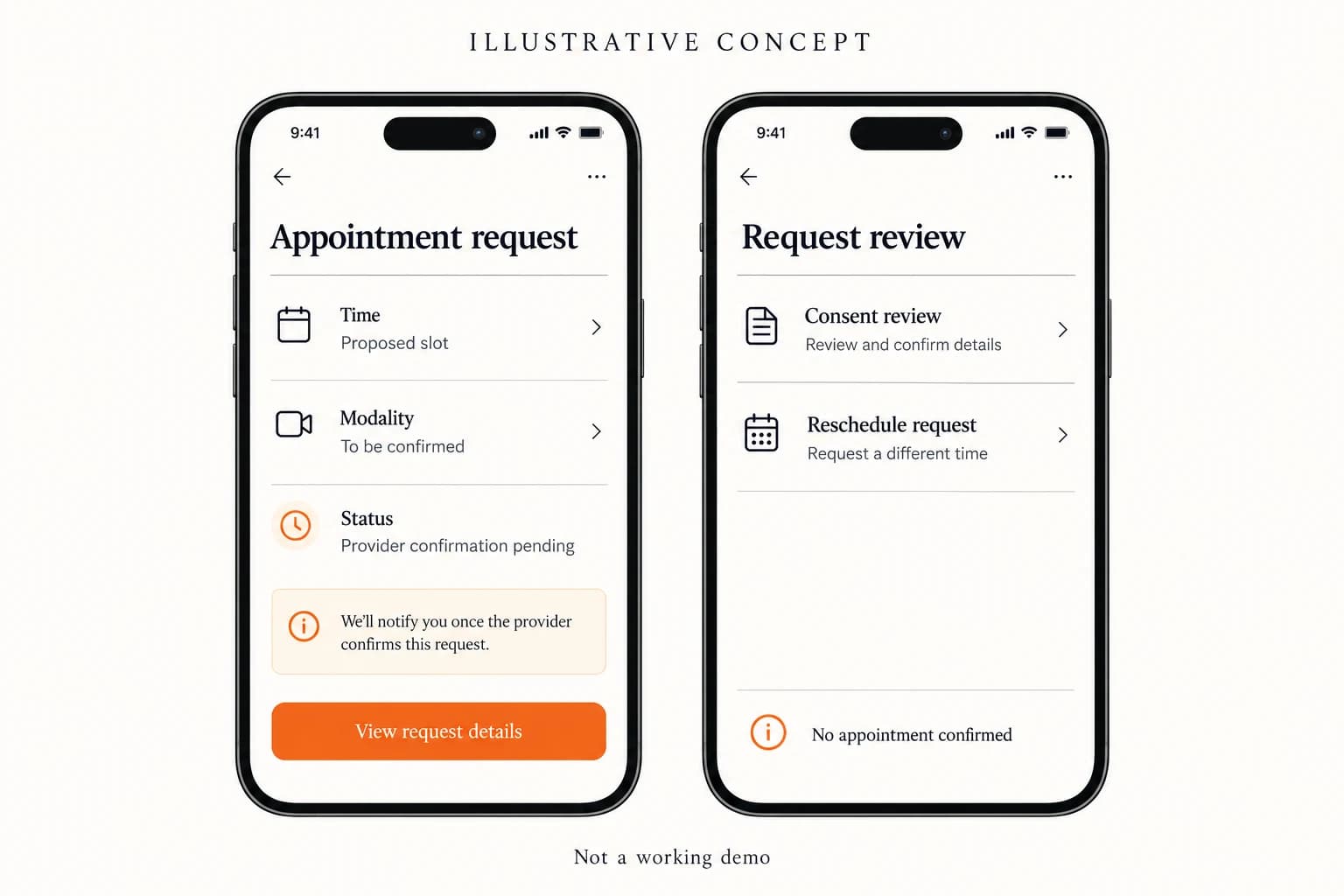
Original appointment-review concept. Names, times and statuses are illustrative and do not represent real patients, staff, clinical records or certifications.
What to check in the walkthrough
Hospitals rarely switch everything at once. The front desk and outpatient clinics see the most patients and gain the most from booking, records and billing in one place, so they are usually the right place to start.
Once that runs smoothly, add the pharmacy, wards and lab, one department at a time, with staff who used the first stage helping to train the next.
The base product already includes the patient app, the clinical workspaces and the admin and billing screens, and the demo lets you sign in as each role. We set it up for your hospitals and hand over the unencrypted source code.
Lab, device, insurer and national record connections depend on your partners and country; each is scoped, priced and added to your system as a separate piece of work.
If doctors find the system slow, they will write on paper and type it in later, and the records will always be behind. Measure how long a consultation takes to record and keep cutting that number.
FAQ
Software that runs a hospital or clinic’s daily work: appointments, patient records, consultations, nursing, pharmacy, beds, billing and reports, with separate screens for each role.
Yes. Each hospital has its own departments, staff and prices, while the group admin sees reports across all of them.
Records are encrypted, each role sees only what it needs, and every access is logged. You still need policies, hosting and a review that meet the health data laws where you operate.
Bills can be marked for insurance and claims tracked. Electronic claims with specific insurers are added as integration work.
Yes. You get the web system and patient app as unencrypted source code, so your developers can host it on your own servers and adapt it to your hospital.
Primary sources
Dated official documentation, standards, and research that support the factual claims on this page.
US rules for protecting patient health information.
India’s national digital health programme, including health IDs and record exchange.
The standard most modern health systems use to exchange records.
How to read this page
Scope, cost and timeline figures are planning guidance until confirmed in a written proposal. Diagrams and screens are illustrations, not client deliverables, and source-code rights and handover follow the signed agreement. See the delivery process and the full disclaimer.
Next decision
Define outcomes, constraints, evidence, rights and handover before delivery begins.
Commercial rights, repositories, environments, documentation, acceptance and handover remain contract-defined.
